Do hundreds of people visit your website every month, but only a very small number convert into customers? The problem is often not with the advertising or the number of visits, but with... Website design The same. In this article, you will learn how to make the visitor move step by step until they click the "Order Now" button, with practical examples, common mistakes, and steps you can implement today even if you rely on WordPress or a third-party company.
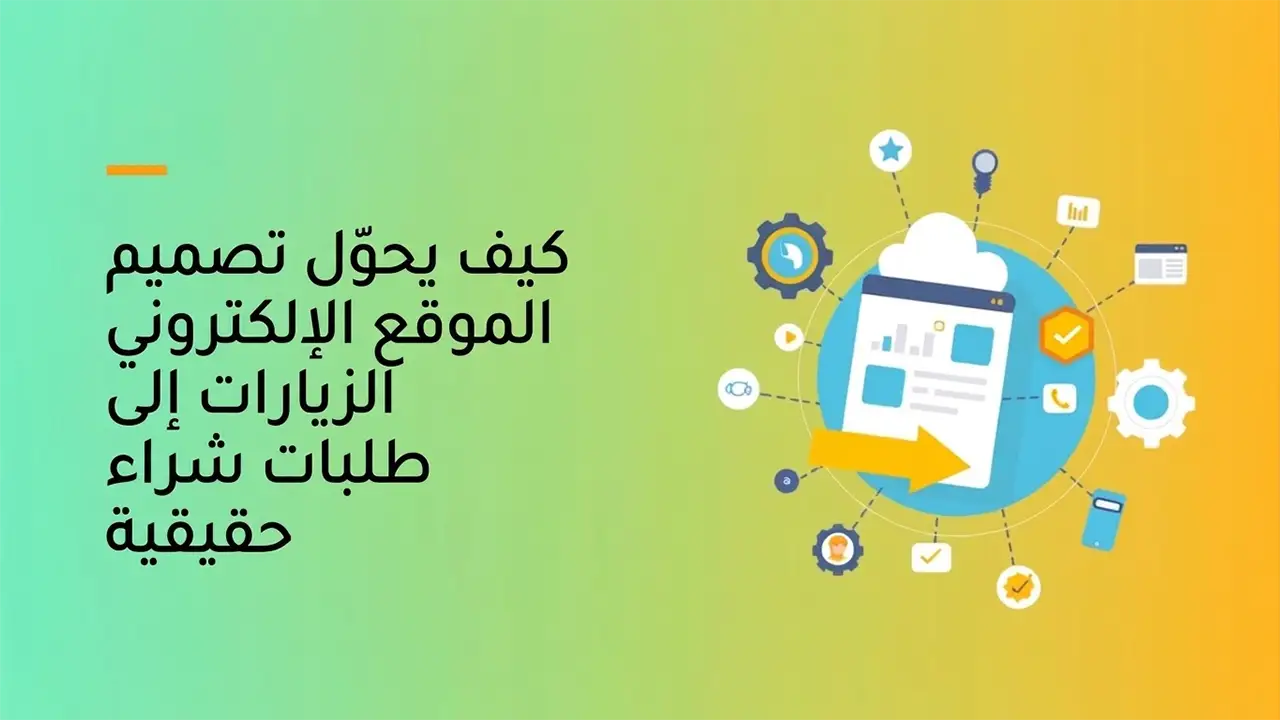
Why do many website owners fail to convert traffic into sales?
Through my work in creating and improving websites for various companies and services, I have noticed a recurring pattern.
- A complete focus on aesthetics and neglect of the visitor's journey within the site.
- The message is unclear: what do you offer and why are you the best choice?
- A complicated order form or lengthy purchasing steps.
- The website is slow or doesn't work well on mobile.
The result is that the visitor leaves within seconds and does not return, even if he was genuinely interested in what you offer.
Your mission through Website design It is not just about visually dazzling the visitor, but also about calmly guiding them towards one specific action such as requesting a price, purchasing a product, or booking a consultation.
How to turn a casual visitor into an actual customer: Website design
1. Explaining the main idea on the first screen
The first screen a visitor sees on your website largely determines whether they will continue reading or close the page. Therefore, it should contain three essential elements.
- A clear statement that tells the visitor what you offer and why it interests them.
- One main button prompts him to take a specific action such as request a quote now.
- A quick confidence indicator such as the number of customers or brief reviews.
In one of the projects I worked on, simply modifying the first screen and writing a clearer message increased the number of requests by 35% in less than a month without any increase in visits.
2. Design the visitor journey before designing the website layout.
Before choosing colors and fonts, think about the visitor's journey.
- Where does the visitor come from? Paid advertisement, Google search, social network.
- What is the main purpose of the page? Filling out a form, making a phone call, making a direct purchase.
- What questions and objections do he have before buying?
Then arrange the page content in this order.
- Explaining the problem the visitor is experiencing.
- Present the solution you offer.
- Prove that you are trustworthy: customer experiences, numbers, testimonials.
- A clear call for action.
This simple method of organizing content is the foundation of any How to design a professional website It focuses on results, not just appearances.
3. Simplify the order or purchase form
One of the biggest mistakes I see in How to design a commercial website The application form is long and complex.
- Many fields are unnecessary in the initial communication.
- Visitors are required to register before making a purchase.
- The absence of alternative communication methods such as WhatsApp or direct contact.
I tried in more than one project reducing the number of form fields from 10 to only 4, and the transmission rate increased by more than 50 in some cases.
Initially, focus on the most important information: name, contact method, and the service required. You can complete the details later in a call or message.
WordPress website design tutorial for improved conversion
1. Why WordPress is a practical choice for converting traffic
When working on WordPress website design tutorial For customers, I always emphasize that the strength of WordPress lies not only in beautiful themes, but also in the flexibility to control user experience and conversion.
- Easy to edit landing pages without a programmer.
- The variety of template additions and design testing tools.
- Simple integration with marketing and email tools.
For example, you can use a page builder with the addition of advanced templates and then test more than one version of the page to see which one converts best.
If you are interested in developing your WordPress website, you can later review the article.
Top 5 tips for designing professional WordPress websites in 2026
To improve the technical and aesthetic aspects.
2 practical steps within WordPress to increase conversion
- Create a separate landing page for each service instead of one general page.
- A fixed main communication button is placed at the bottom of the mobile phone.
- Use simple and fast-loading form add-ons.
- Adding a trust bar at the top of the site includes a powerful offer or feature.
You can also improve your website's performance with plugins; you'll find more details about that in the article.
The most powerful free WordPress plugins to upgrade your website
Which explains useful free tools.
When do you need a website design services company and when do you do it yourself?
1. The role of a website design services company
Relying on Website design services company It becomes logical in the following cases.
- You do not have the time or expertise to try out more than one version of the pages.
- Having a large advertising budget requires a website that keeps pace with the level of spending.
- The desire to link the site to other systems such as customer relationship management.
The advantage of a good company is that it not only implements the design, but also plans the visitor's journey with you, tracks the numbers, and makes adjustments accordingly.
If you are comparing offers, you can benefit from this article.
How to choose website design services that suit your needs in 2026
Which clarifies the basic criteria for selection.
2. When is self-employment a better option?
In small projects or at the beginning of a business project, you can rely on yourself to implement the basics.
- Choosing a simple and quick template.
- Use one page for each main service.
- Create a clear application form.
The important thing is to apply the principles How to design a professional website Which focuses on clarity, confidence, and ease of procedure, not just installing a shiny template.
How to design a professional website that focuses on conversion, not just aesthetics
1. Elements of trust that should not be absent
From my experience, there are clear elements of trust in How to design a commercial website The conversion can double in some service sectors.
- Genuine testimonials from customers with their names or photos if possible.
- Logos of companies you have dealt with if you are working on a B2B basis.
- Clear guarantee of return or re-implementation.
- Real contact information: address, phone number, official email.
These elements are thoughtfully distributed across the page between sections, not just in one place.
2 common website design mistakes that reduce sales
- Distributing too many buttons and options on the page confuses the visitor.
- Using very small fonts or low-contrast colors makes it difficult to read.
- Relying on unrealistic stock photos weakens trust.
- Hiding prices completely without clarifying any price range raises suspicion.
Avoid these mistakes in any project Website design New or when redesigning your existing site.
3. Improved speed and mobile experience
Mobile user experience has become the most important factor in any How to design a commercial website Successful, because a large percentage of visitors come from phones.
- Make sure the buttons are big enough to click.
- Make the text readable without manual zooming.
- Reduce the unnecessary content on your mobile device and focus on what's most important.
You can also benefit from the performance and website optimization tips discussed in the article
How to design a professional website that attracts visitors in 2026
To improve website responsiveness and speed.
Practical steps to apply the above to your current website
1. Measure the current situation with numbers
Before making any adjustments, monitor these indicators for at least two weeks.
- Number of visits per service page.
- Percentage of those who fill out the form or press the contact button.
- The time a visitor spends on the page.
This way you will know later if the improvements you implemented in Website design Whether or not it achieved actual results.
2. Edit one page at a time
Choose a main service page and apply the following to it.
- Rewrite the first section to clearly explain the benefit.
- Add a clear, primary action button with a distinctive color.
- Provide at least one reliable customer testimonial.
- Simplify the application form and reduce the number of fields.
Leave the adjustments for a week or two, then compare the before and after numbers, and you will start to see the difference.
3. Building an ongoing strategy to improve the site
Successful websites don't stop at launching the design; they are constantly being improved.
- Review marketing messages periodically.
- Testing more than one page title.
- Try a different arrangement of sections.
You can use the ideas in the article
Explanation of the steps for designing websites using artificial intelligence for beginners.
To get quick ideas for experimentation and development.
Frequently asked questions about converting visits into purchase orders
How can I practically use website design to increase my sales?
The real benefit comes when you design the site around a clear goal such as booking a consultation or requesting a price quote, and then simplify the path to reach this goal from the first moment the visitor enters the page, through a clear message, an action button, a simple form, and genuine trust elements.
Do I need a website design services company or can I work on my own?
If your project is in its early stages and your budget is limited, you can implement the basics yourself using WordPress and a simple theme, adhering to the principles of professional website design. However, if you have a large advertising budget or require integrations with other systems, hire a specialized company to save time and minimize errors.
What are the most important elements that increase the conversion rate of a business website?
The most important elements are a clear display at the top of the screen, a main action button, a concise order form, reliable customer testimonials, good loading speed, especially on mobile, and a design that serves the visitor's journey from problem to solution and then to final order.
What mistakes should be avoided when designing a commercial website?
Common mistakes include prioritizing visuals over clarity, adding too many buttons and options, completely hiding prices, using long and complex forms, and neglecting mobile optimization. Avoid these mistakes, and your website will be much more likely to convert traffic into actual orders.
Summary of the process to turn your website into an ordering machine
The most important thing to remember
Goal Website design It's not just about looking good; it's about guiding visitors through simple steps toward a single, clear action. Focus on a clear message at the top of the screen, a powerful action button, a concise order form, and trust elements strategically placed throughout the page. Test the changes on one page, monitor the numbers, and then apply what works to the rest of the pages. Every small, data-driven tweak can make a real difference in the number of orders you receive from the same amount of traffic.
Reliable sources for further exploration
Supporting references for the content
- Top 5 tips for designing a successful e-commerce website in 2026
An article focusing on additional details about how to design a business website that increases customer trust and boosts sales. - Top 5 SEO Strategies for 2026
To understand how to bring more targeted traffic to your site through search engine optimization. - How to choose the best website design offer for businesses in 2026
Useful if you are looking for a website design services company and want to choose the most suitable offer. - Best website design company (2026) offering innovative services
It helps you understand the characteristics of a strong company and how to choose a partner that focuses on results, not just appearances.