Can you start today? AI-powered website design Starting from scratch with no programming experience, yet creating a professional interface that truly suits your project? In this article, you will learn step by step. Explanation of how to design a website Using artificial intelligence tools, from choosing the idea to launching the website online, with practical examples and mistakes to avoid so you don't waste your time and money.
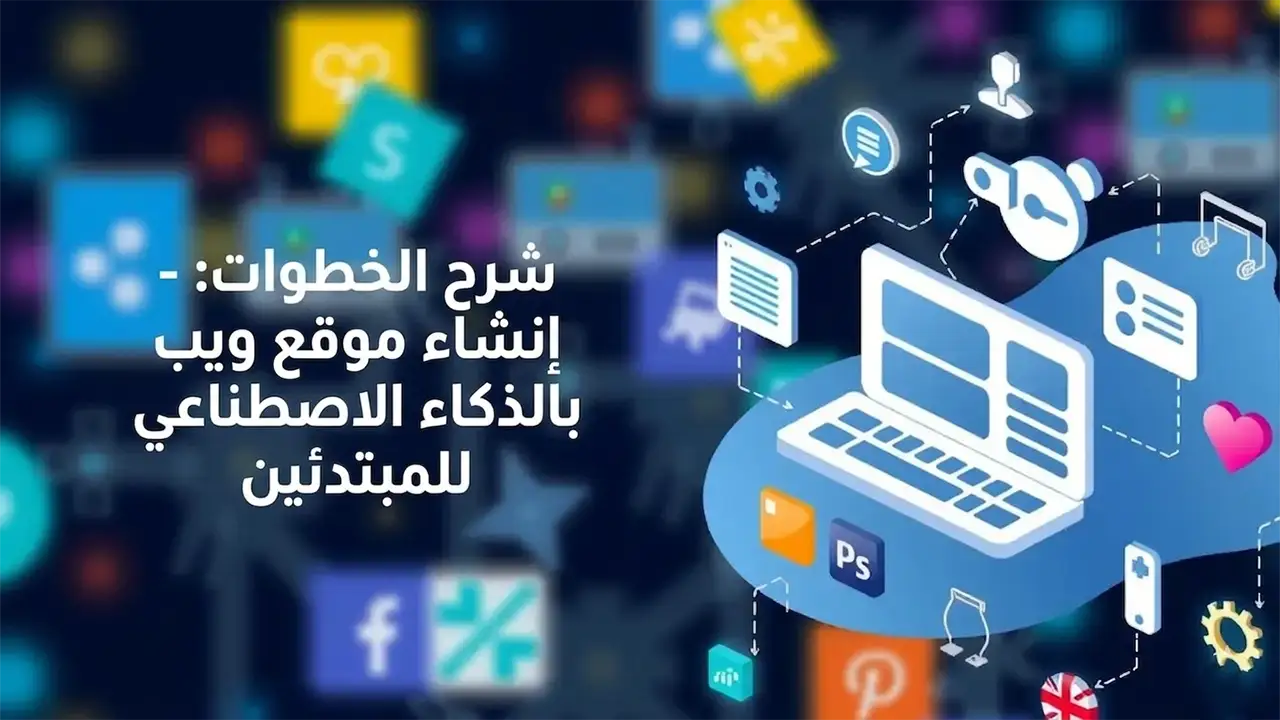
What will you learn from this guide on AI-powered website design?
Through my work with startup entrepreneurs, I've noticed that most of them get lost among the tools and labels and don't know where to start.
After reading this guide, you will know practically:
- How to choose the type of website that suits your project.
- The best way To implement AI-powered website design Step by step.
- How to handle text, images, and colors to make the website look professional.
- When to rely on a tool and when to need it AI-powered website development company.
The first step is to define the site's objective before using artificial intelligence.
Before using any tool or technique, you must determine why you want a website in the first place.
Through my work creating websites for small businesses, I have noticed that the most clearly targeted websites achieve results nearly 40% faster in the number of potential customers compared to general websites.
Quick questions to determine the goal
- Is your goal to gather potential clients for your service project?
- Do you want to sell products directly online?
- Do you only want to provide content and information about your services?
Your answers to these questions will determine the type of design and page structure before you begin any Modern website design methods With artificial intelligence.
Linking the goal to the design type
- A service project such as an office or clinic with a focused landing page and a contact form.
- Online store template, clear store layout with organized product pages.
- A blog or informational website should have a greater focus on reading and ease of navigation.
For more ideas on choosing a website layout, you can review the article
How to design a professional website in 2026
It complements what is in this guide in a practical way.
Choosing the right AI-powered website design tool for beginners
Today there are dozens of tools that offer you AI-powered website design With the click of a button, but choosing the wrong tool means starting over from scratch.
Tool selection criteria
- Easy to use, simple interface and drag and drop.
- Support for the Arabic language in the content, if possible.
- The ability to modify the design after it has been created.
- Integration with essential tools such as communication models and analytics.
A practical example of how to work with artificial intelligence tools
These tools will often follow these general steps:
- You are asking about the type of business you operate: clinic, online store, blog.
- It requires you to choose a bold, modern, calm design style.
- Artificial intelligence suggests page structure and section distribution.
- It generates raw text that you can fully edit.
I personally tried this method with more than one client and the result was a saving of 30 to 50% of initial setup time compared to a fully manual design.
A step-by-step guide on how to design a website using artificial intelligence.
Here we come to the practical section, which is Explanation of how to design a website For beginners with artificial intelligence.
Step 1: Prepare the basic content before opening any tool
One of the most common mistakes is for a beginner to open an AI tool without any ready-made content, thus wasting a lot of time experimenting.
Prepare in advance:
- A short description of the activity in one or two sentences.
- Three main benefits that the customer receives from your service.
- A brief overview of you or the company.
- Basic contact information: WhatsApp, email, phone.
Step 2: Generate the overall site structure
After you enter the tool AI-powered website design You will find an option to generate a new site.
Write a description such as:
- A website introducing a marketing consultancy firm targeting small business owners, with the goal of booking a consultation session.
The tool will often suggest:
- Home page with main display, overview, services, customer reviews.
- Detailed services page.
- A contact page containing a clear template.
Step 3: Improving texts using artificial intelligence
Even if the tool generates initial scripts, do not rely on them as is.
Do the following:
- Rewrite the titles in your own language and in a style that speaks to your audience.
- Use prompts within the tool to improve text, such as making the text shorter and more direct.
- Make sure that the first paragraph always answers the question: What will the reader gain?
Step 4: Adjusting colors and fonts in a simple way
Many people imagine that Modern website design methods It means complex colors or many movements.
The basics I recommend based on my experience:
- One primary color that is associated with your project's identity.
- Secondary color for patterns and buttons.
- A light background makes reading easier.
- Clear, simple script without embellishment.
If you want more ideas about the visual identity of commercial websites, you can read
Top 5 tips for designing a successful e-commerce website in 2026.
Step 5: Adding elements of trust
The website is not just a beautiful design; the main goal is to convert the visitor into a customer.
Elements of confidence that I always recommend:
- Brief, real customer reviews.
- Logos of companies you have dealt with, if any.
- Clear contact information in more than one place.
- A simple promise such as a free initial consultation or guarantee.
Step 6: Test the website on your mobile device
Most visitors today access the site from their phones, therefore any How to implement AI-powered website design Without testing on the mobile phone, it's a step in the right direction.
- Open the preview directly from your phone.
- Make sure the buttons are clear and large enough.
- Make sure that the texts are not crammed into a small space.
When do you need an AI-powered website development company?
Although the tools make getting started easier, some cases require advanced expertise.
In cases where it is preferable to seek the assistance of a specialized company
- A large business project needs integration with payment and inventory systems.
- A platform for memberships or online courses.
- A company website needs a fully customized design.
In this case, it may be AI-powered website development company A better option because it combines:
- Using artificial intelligence tools to speed up work.
- And human expertise in user experience and conversions.
If you are in the process of comparing offers, you can benefit from this article.
How to choose the best website design offer for businesses in 2026
It explains the practical criteria for selection.
Common mistakes when designing websites with artificial intelligence
Complete reliance on automatic scripts
Generated texts may give you a start, but they are general and do not reflect your project.
the solution:
- Write the important parts yourself: main message, headings, call-to-contact buttons.
- Use artificial intelligence to improve the method, not to replace your idea.
Excessive effects and movements
Many people think that Modern website design methods This means moving around in every part of the page, which slows down the site and distracts the visitor.
I advise you to focus on:
- Download speed.
- Simple browsing.
- Clarity of message.
Forgetting the basics of SEO for search engines
Some tools AI-powered website design It adds automatic titles and descriptions, but they are not always appropriate.
To improve your website's visibility:
- Write a clear title for each page.
- Use words that your audience would naturally search for within the text.
- Add helpful articles later to increase traffic.
A practical example of a homepage using artificial intelligence
Let's combine the above into a simplified example that you can apply directly.
Homepage structure for a service project
- Top section with a clear title and benefit, along with a button to book your consultation now.
- The "About Us" section explains your experience or the company's experience in 3 lines.
- A services section with 3 main services and a short description of each.
- Customer reviews section with 3 genuine testimonials.
- A final invitation section with a simple contact form.
You can generate this structure using an AI tool and then modify the text and colors according to your activity to ensure How to implement AI-powered website design In a practical way, not just as a superficial experiment.
Frequently asked questions about AI-powered website design
Can a complete beginner implement AI-powered website design?
Yes, it is possible, especially if he starts with a simple informational website or landing page and relies on an easy tool with a drag-and-drop interface and applies the previous steps of defining the goal, then generating the structure, then modifying the texts and colors himself.
Can artificial intelligence replace a company that develops websites using artificial intelligence?
In small and medium-sized projects, it is often sufficient, but in large stores or complex platforms, it is preferable to combine tools and human expertise through a specialized company to ensure security, integration, and a strong user experience.
How can I ensure that my website looks professional and not just a ready-made template?
By customizing text and images and linking them to your project, using consistent colors and identity, and adding genuine trust elements such as customer reviews and clear contact information, along with mobile site testing.
What is the difference between modern website design methods and traditional design methods?
The modern design focuses on simplicity, ease of use, fast loading speed, and clarity of message, relying on tools AI-powered website design To speed up the work, whereas traditional design often relies on building everything manually, which takes longer and costs more.
Summary of AI-powered website design steps
The butter you need to get started now
So that you can actually benefit from AI-powered website design Focus on the most important steps, not on the many tools.
- Clearly define your location's objective before taking any step.
- Choose a simple tool that suits your level of experience.
- Prepare your basic content, then let artificial intelligence help you organize and improve it.
- Test the site on mobile and add clear trust and conversion elements.
My final piece of advice is don't wait for perfection. Start with a simple version of your site, applying what you've learned here, and then develop it over time based on visitor interaction and your results.