If you are looking for Explanation of how to design a WordPress website Step by step, and you want to reach a professional level in WordPress website design In 2026, without complications, you are in the right place.
We will cover template selection, user experience, speed, and content, then move on to a comparison between free and paid templates, with insights from specialized companies such as WordPress website design company To know when you need outside help.
1. Define the site's objective before anything else.
Understanding the type of WordPress site you want
Before you begin any of the steps How to design a WordPress websiteStop for a moment and ask yourself
Do I want a personal blog?
• Or the company website
• Or an online store
Each type requires different settings, customized pages, and a user experience that suits your audience.
Know your target audience
success of any WordPress website design It depends on understanding who visits your site.
• What are their ages?
What exactly are they looking for?
• Are they browsing from a phone or a computer?
The clearer your answers, the easier it becomes to apply the best practices. How to create a WordPress website This is suitable for this audience.
Basic page layout
Before you touch the WordPress dashboard, draw your site structure on a piece of paper or a simple digital tool.
• Attractive homepage
• About Us page
• Services or Products page
• Blog page
• Contact Us page
This simple plan makes Explanation of how to design a WordPress website Keep it clear in your mind and make it easy for you to implement it step by step.
You may also be interested in: Steps to building a successful website in 2026
2. Choosing a suitable WordPress theme
A quick and lightweight template is more important than a dazzling appearance.
The most beautiful part of WordPress website design The thing is, you have thousands of templates, but this might confuse you.
Instead of focusing solely on appearance, focus on
• Speed and agility
• Template compatibility with the phone
• Its compatibility with important plugins such as WooCommerce
Popular examples of lightweight and fast templates
• Astra
• GeneratePress
• Blocksy
• OceanWP
Should I choose a free or paid template?
At the beginning How to create a WordPress website You may be tempted to rely on a free template, and that's excellent for getting started.
Paid templates give you
• More design advantages
• Faster technical support
• Continuous protection updates
You can start with a free template and then upgrade to a paid one when your project grows or you need additional features.
Compatibility with the block editor
In 2026, the WordPress block editor became more powerful, so it is important that the theme supports this editor perfectly.
This makes it easier for you to apply any Explanation of how to design a WordPress website And following YouTube tutorials is easy because the interface is similar.
You may also be interested in: How to design a professional website in 2026
3. User experience is the secret to a professional website.
Simplicity of design is better than complexity.
One of the biggest mistakes WordPress website design It's an attempt to cram everything onto the homepage.
• Leave comfortable white spaces
• Use harmonious colors
• Don't use too many lines
Users prefer clarity over exaggerated visual effects.
Organizing lists and navigation
Imagine yourself as a visitor entering the site for the first time.
• Can he access what he wants in three clicks or less?
Are the page names clear?
• Is there a clear call or order button?
These small details make a huge difference to the success of any How to design a WordPress website Professionalism.
Mobile site optimization
Most of your visitors today come in from their phones, so the template needs to be responsive, the images right-sized, and the text easy to read.
Any step in How to create a WordPress website You should test it on your phone before you consider it finished.
You may also be interested in: The best WordPress course for beginners and professionals in 2026
4. Website speed and performance in WordPress
Choosing a robust hosting provider
It is not possible to talk about WordPress website design Professionalism without good hosting.
Poor hosting means
• Slow site
• Frequent interruptions
• Poor user experience
Make sure to choose a hosting provider known for good WordPress performance, and it's best to read real reviews and experiences before buying.
Image compression and code optimization
When implementing any How to design a WordPress websitePay attention to the size of the images.
• Press the images before uploading them
• Use modern formats
• Reduce the number of external fonts and icons
You can use caching and file compression plugins to help speed up the loading of your pages.
Fewer add-ons mean a faster site
Only use the add-ons you actually need.
Each additional addition means more code and a heavier load on the server.
An important part of Explanation of how to design a WordPress website Successful is knowing when to say no to a new addition that looks tempting.
You may also be interested in: Hostinger 2026 Review: 20% Discount + Exclusive Tax Rebate
5. Engaging and search engine optimized content
Write for the reader first, then for search engines.
All the work on the template and speed will be of no use if the content is weak.
The golden rule in WordPress website design
• Make the content clear and useful
• Use simple language
• Keep paragraphs short and organized
Use keywords intelligently
Instead of filler, distribute keywords such as WordPress website design andWordPress website design company Naturally, within the titles and content.
You can also enter phrases such as How to create a WordPress website In your explanations, especially in educational articles.
Internal links increase the strength of your website.
Connect your articles to each other by linking related topics.
For example, when talking about online stores, you can refer to an article about The best business website design tools in 2026 To give the visitor a smooth journey within your site.
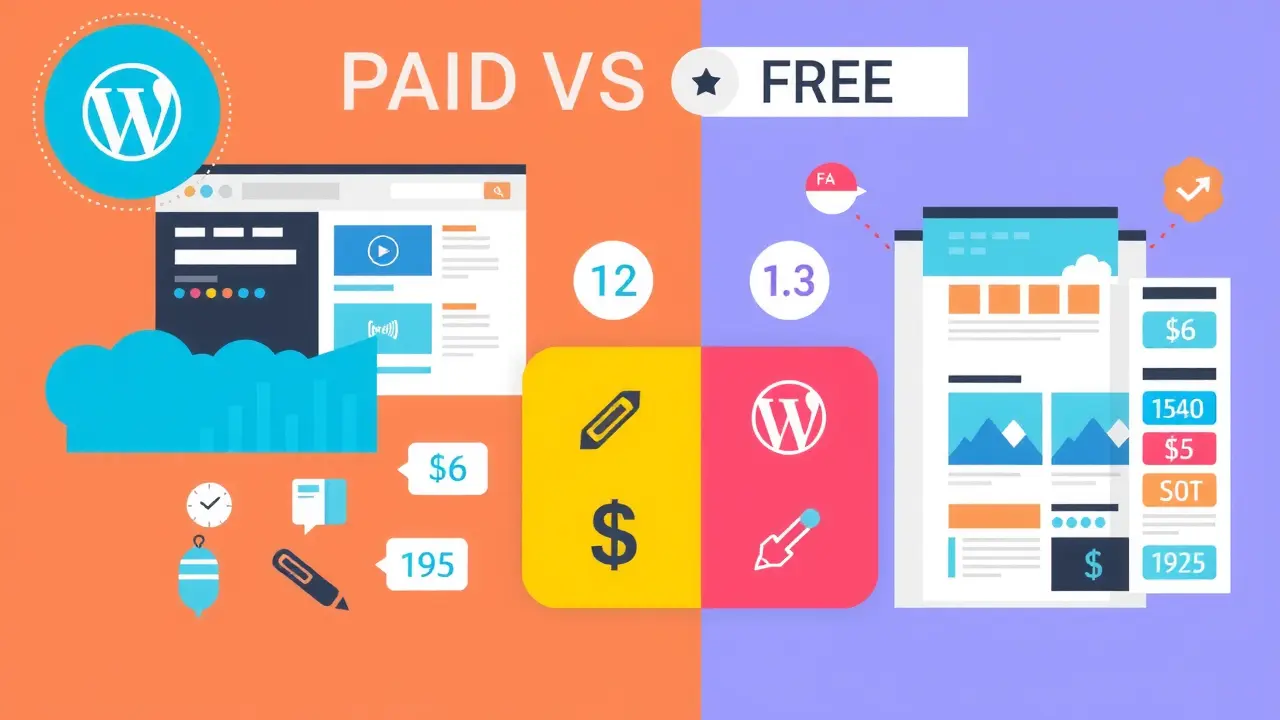
Comparison between paid and free WordPress themes
One of the most important questions during learning Explanation of how to design a WordPress website Should I use a free template or invest in a paid one? This quick comparison will help you make a decision that suits your project and budget.
| Standard | Free WordPress theme | Premium WordPress theme |
|---|---|---|
| Design quality | Good designs but limited in customization | Professional designs with extensive customization options |
| technical support | Often community support comes only from forums. | Prompt official support from the template developers |
| Updates and security | Fewer updates and may be delayed | Continuous updates and periodic security improvements |
| Built-in features | Basic features sufficient for small projects | Advanced features such as ready-made templates and deeper integration with plugins |
| the price | Completely free | It has an initial cost, but its return is higher in the long run. |
Frequently asked questions about WordPress website design
What is the best way to start designing WordPress websites?
Start by defining your website's purpose and audience, then choose a suitable hosting and template, and then follow the steps. How to create a WordPress website From reliable explanations with actual experience of each step.
Do I need a paid template for a professional website?
You can start with a free template if your budget is limited, but paid templates give you more flexibility and better support, and are suitable for serious projects that target profit or brands.
How long does it take to implement a simple WordPress website design method?
If you are a beginner, it may take from one day to a week depending on your time, either with experience or with help. WordPress website design company A simple website can be launched within a few hours.
Can I design the website myself without programming experience?
Yes, WordPress is designed to work without writing code, and with any Explanation of how to design a WordPress website Good, you can build your website yourself step by step.
When do I need a specialized website design company?
You need a specialist company when your project becomes commercial, you want a unique look and complex functions, or you don't have the time to learn the technical details yourself.