If your site is a second or two late loading, there are real visitors who leave before seeing what you have to offer. Fast WordPress theme It's not a luxury; it's the difference between a website that sells and one that disappears from Google search results. In this article, you'll learn how to evaluate templates yourself, how to uncover hidden flaws, and the practical steps to quickly choose an SEO-friendly template without being a programmer.
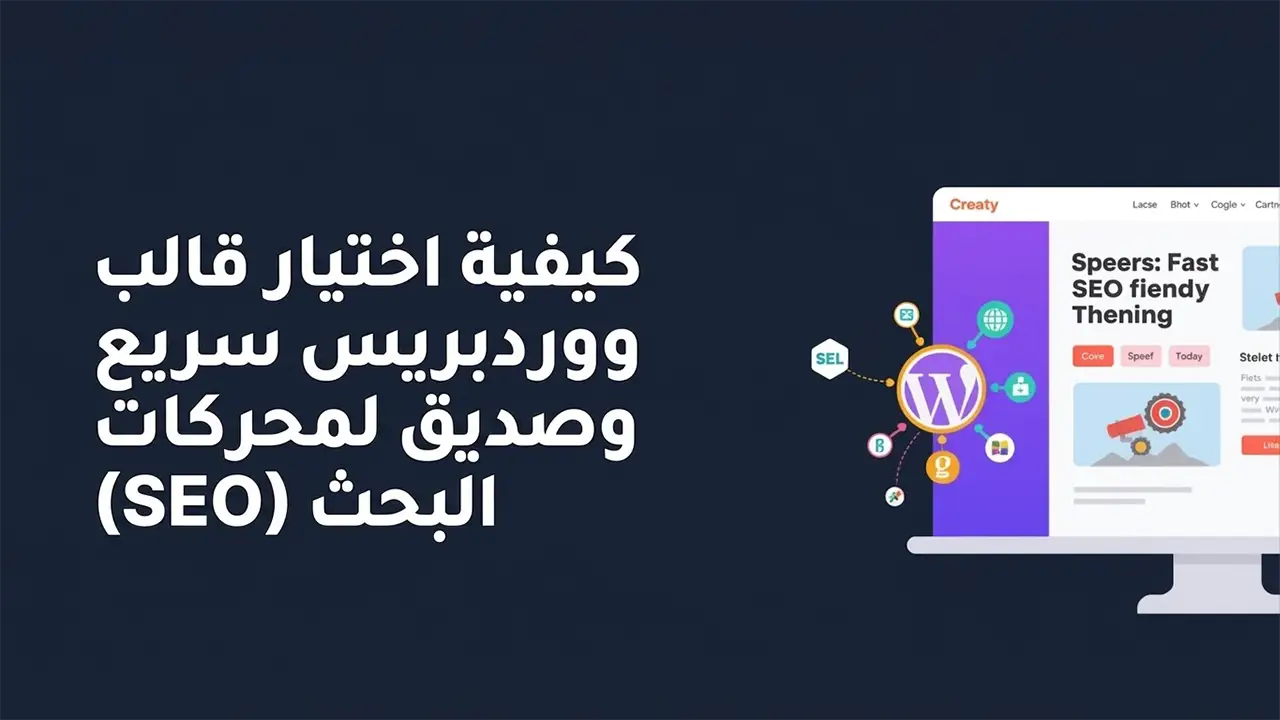
Why speed is the most important factor when choosing a fast WordPress theme
The impact of speed on user experience and sales
Through my work on dozens of WordPress sites, I've noticed that reducing page load time from 5 seconds to less than 2 seconds increased the conversion rate in one store by approximately 30 percent.
The slow mold causes:
- Visitor exits before viewing content
- Reduced session duration and number of pages visited by the user
- Decline in trust in your website and service
How does Google view the slow template?
Google considers speed part of the user experience, and therefore an important ranking factor in SEO. The more you choose Fast WordPress theme Built with clean code, your chances of:
- Improving Core Web Vitals
- Get a better ranking in search results
- Reduce costs in advertising campaigns because the landing page is faster.
Key criteria for choosing a fast, SEO-friendly WordPress theme
1. The code is light and clean.
The most important element in How to choose a WordPress theme quickly It's the same code. A good template:
- It does not contain unused libraries.
- It doesn't needlessly add huge CSS and JS files to each page.
- It only supports essential features and doesn't try to be everything at once.
Signs of a bad template:
- Page size larger than 2 MB for a simple page
- Loading more than 80 requests when checking the first page
2. Template compatibility with SEO
The SEO-friendly template offers:
- Correct address structure H1, H2, and H3
- Schema data support for your articles and products
- Excellent compatibility with popular SEO plugins such as Rank Math and Yoast
This is where the role comes in Explanation of an effective WordPress template From the developer, you should find it clearly documented on the template's website, with practical examples of how to improve SEO.
3. The template is mobile-friendly.
Over half of today's visits are from mobile. The quick template should be:
- Fully responsive on small screens
- The lines and buttons appear in a size suitable for mobile phones.
- It does not rely on heavy elements such as a complex slider in the header.
Practical steps: How to quickly choose a WordPress theme before installing it
1. Test the demo in speed tools
Before installing the template, access the official demo, then test it via:
- Google's PageSpeed Insights
- GTmetrix
What I usually look for:
- Loading time less than two seconds if possible
- The fewest possible CSS and JS files
- No major errors in Core Web Vitals
2. Read reviews and technical support.
An important part of Explanation of an effective WordPress template It comes from previous users. Focus on:
- Do people complain about the slowness after a period of use?
- Are the updates ongoing or have they been suspended for months?
- Fast response time from support to resolve performance issues
3. Test the template on a test site.
A common mistake is installing the template directly on the main website. The best approach is:
- Create a test site (Subdomain or Localhost)
- Install the template on it with a limited number of add-ons.
- Speed test before transferring the design to the actual site
The role of a fast WordPress theme company in the success of your website
What distinguishes Fast WordPress Themes from others?
A good company doesn't just focus on appearance, but cares about being Fast WordPress theme And stable. You will often find that they have:
- Clear documentation on how performance can be improved after installation
- Explanations for Quick WordPress Design Method Using their template
- Regular updates to patch vulnerabilities and improve speed
When do you need a developer or an external company?
If your project is commercial and relies on visitors from Google, it makes sense to work with Best website design company It helps you to:
- Choosing the most suitable template for your field
- Configure your server and hosting for higher speed
- Reduce redundant plugins and improve code
A quick WordPress design method using a suitable template
1. Start with the basics before the look
Through my work setting up WordPress websites for different clients, I always prefer:
- to choose Fast WordPress theme As a basic structure
- Adding the design, colors, and logo at a later stage
- Avoid excessive use of motion effects and animation.
2. Minimize additions to a minimum
One of the most common mistakes:
- Using an add-on for pages, another for forms, and a third for the gallery, even though the template already provides this functionality.
- Installing more than one cache plugin on the same site
To ensure Quick WordPress Design Method Commit to:
- Use a lightweight page builder or Gutenberg editor whenever possible.
- Do not install an extension unless you really need it.
3. Adjust image and font settings
- Use the WebP format for images whenever possible.
- Set image dimensions before uploading instead of relying on a template to resize them.
- Choose one or two lines maximum for the site
I tried this method on a tech blog website, and by reducing the size of the images and converting them to WebP, the size of the homepage decreased from 3 MB to less than 900 KB, which was directly reflected in the loading speed.
Common mistakes when choosing a WordPress theme
1. Selection based solely on appearance
This is the biggest mistake I see in new websites. The website owner chooses a template because he liked the look of a slider or a certain animation, then discovers months later that the website is slow and doesn't rank well on Google.
2. The belief that the template alone solves the speed problem.
The template is an important factor, but not the only one. Speed also depends on:
- Hosting and server quality
- Installed Add-ons
- Image and file sizes
A good template gives you an excellent starting point, but you need to adjust the rest of the elements.
3. Ignore updates
A template that is not regularly updated becomes:
- It gets slower with each new WordPress release.
- More vulnerable to hacking
- Less compatible with modern SEO and speed plugins
A practical example of choosing an effective and fast WordPress theme
Quick steps you can apply today
- Define your website's purpose: blog, store, service page
- Search for Fast WordPress Themes Company We offer templates customized to your field.
- Check out the template demo via PageSpeed Insights
- Read the reviews and focus on any comments about speed.
- Try the template on a test site before installing it on your main site.
- After installation, test the speed again and adjust the images and plugins until you get the best result.
Frequently asked questions about choosing a WordPress theme quickly
What is the main benefit of choosing a quick WordPress theme?
The benefit is that your site opens quickly, so the visitor stays longer, the exit rate decreases, and the user experience and your ranking on Google improve, which means greater opportunities to get more customers or readers.
Do I need a developer to quickly choose a template, or can I do it myself?
You can start on your own by following the previous steps in testing and trying out the template, but if your project is a large commercial one, collaborating with a specialist will ensure you make a better choice and avoid costly mistakes.
Can free templates be fast and SEO-friendly?
Yes, some free templates offer excellent performance, especially if they are from reputable companies and are regularly updated. The important thing is to test the template yourself and avoid filling it with unnecessary add-ons.
What is the difference between an effective WordPress theme and a feature-packed theme?
An efficient template focuses on speed, clean code, and the essential functions of your domain, while a feature-packed template adds dozens of features you may not need and slows down your site without any real benefit.
Summary of choosing a quick, SEO-friendly WordPress theme
The most important thing to remember
to choose Fast WordPress theme It's a long-term investment for your website. The real value isn't just in the aesthetics, but in clean code, high speed, and a user-friendly experience. Try the template on a test site, test it with speed tools, and minimize plugins and heavy images.
If you focus on speed and SEO standards from the beginning, you will save yourself time and money in the future, and build a site ready for growth instead of a site that needs rebuilding after months.